How asasii lang lab works
A teacher console and a student client on the PCs the lab already has, on the lab's own network.
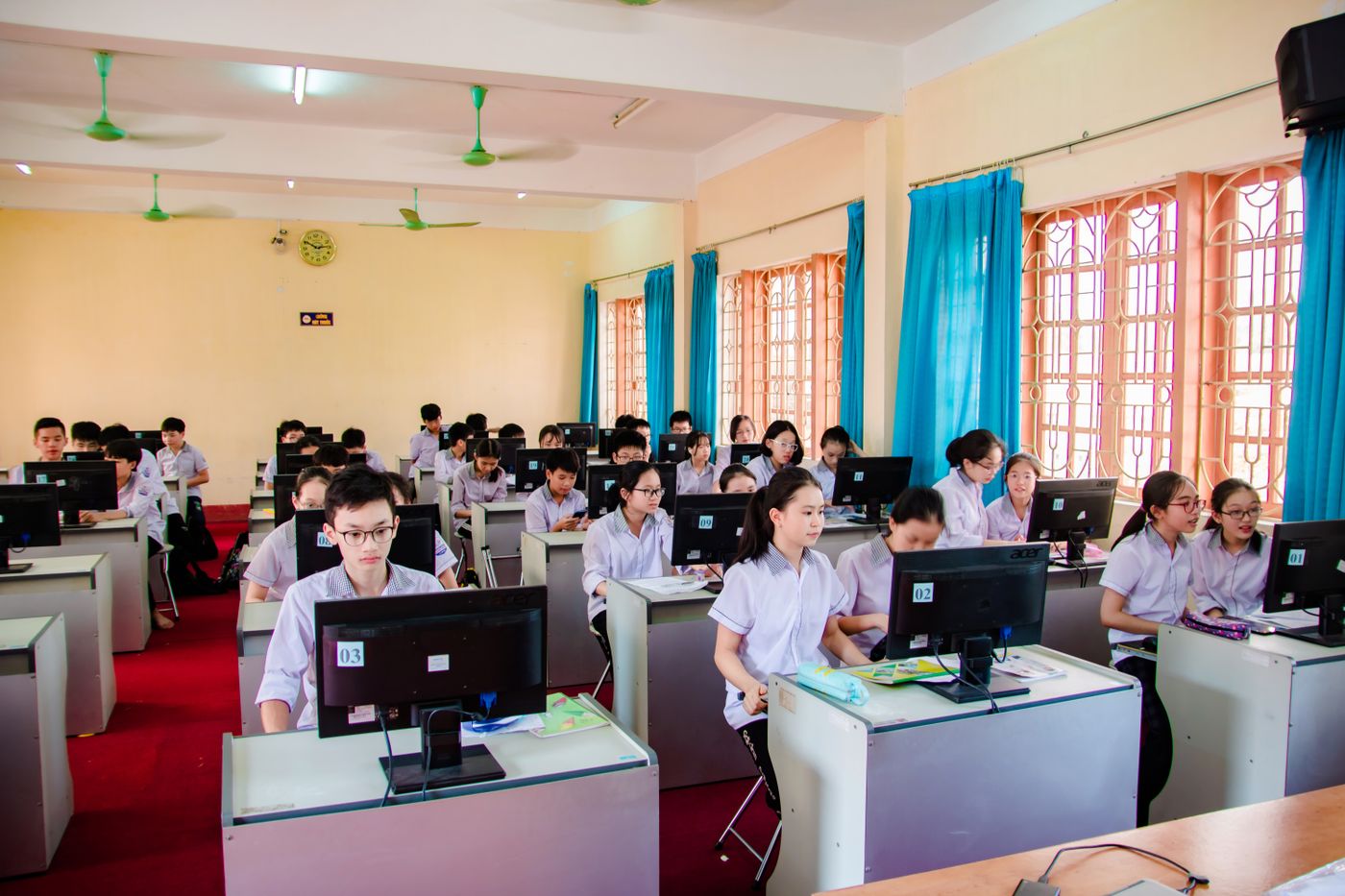
A lesson on asasii lang lab
From the sign-in at the seat to the lesson kept on the teacher PC.
- 08:00
Students sign in
By picking a name from the class list, then testing the headset.
- 08:03
The teacher broadcasts
The warm-up goes to every seat, and the teacher talks to the whole class.
- 08:10
A student's screen is cast
One student's work is shown to the class, with a note to the student.
- 08:15
Pairs talk
Students are paired for conversation, and the teacher listens in.
- 08:25
Every seat records
A timed speaking task records at every seat at once.
- 08:35
Clips are marked
Met, nearly or not yet against the can-do statement, with a comment.
- 08:45
Dictation and a quiz
Sentence by sentence, then a quiz with live results.
- 08:58
The lesson is kept
Attendance, files, results and recordings land in a dated folder.
Who it's for
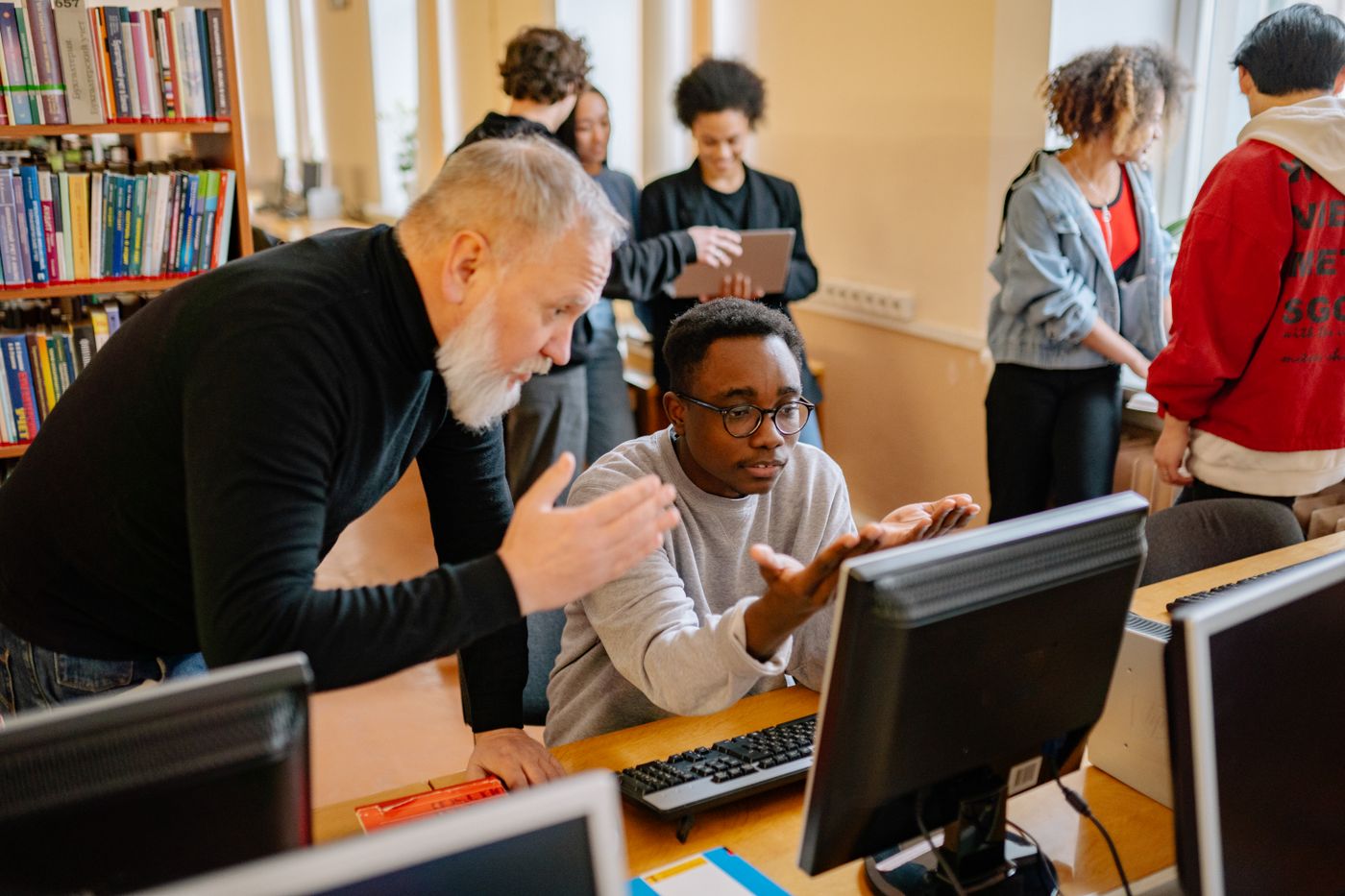
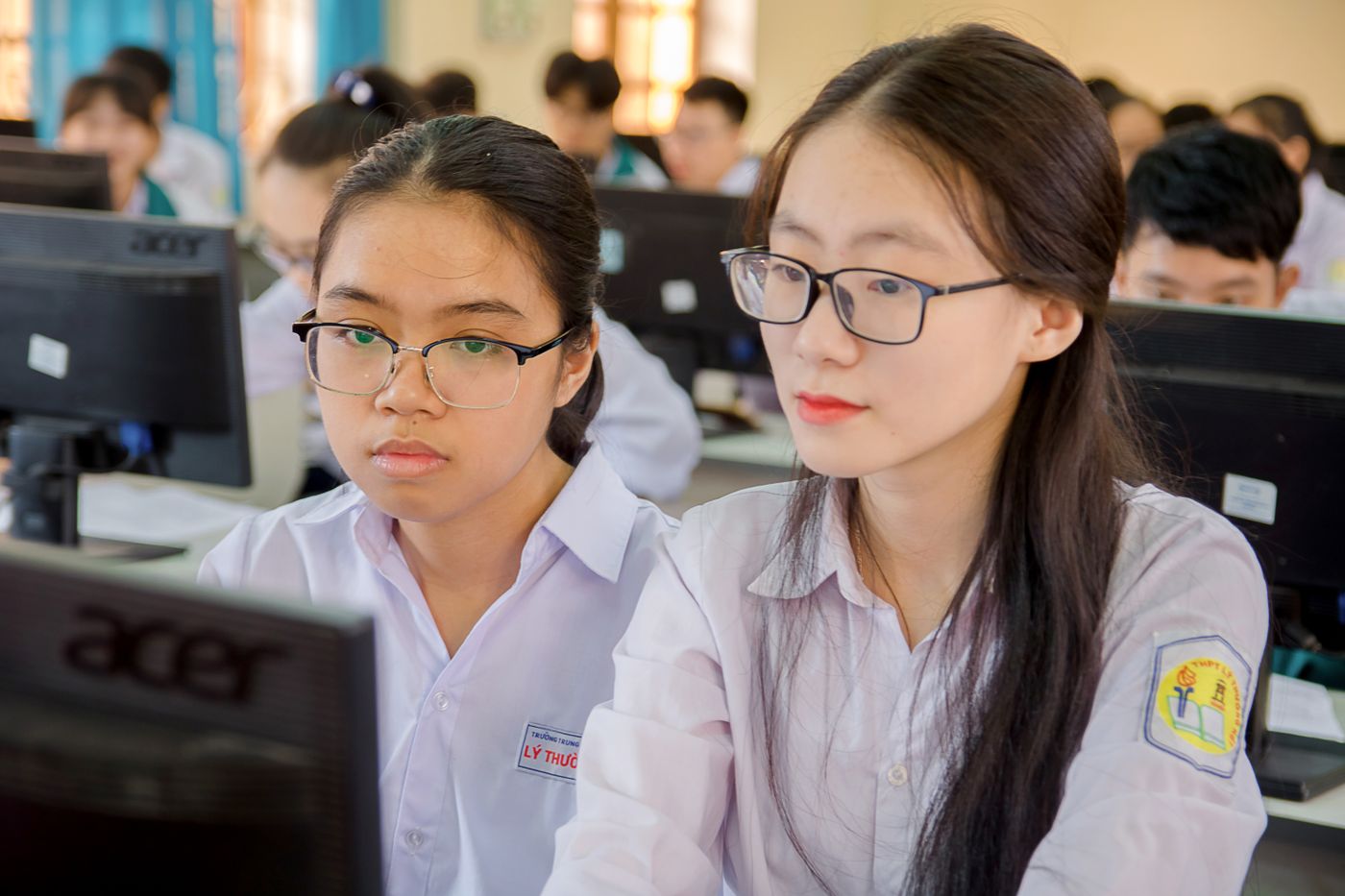
Teachers, students and technicians, each with what they need in the room.
Where it runs
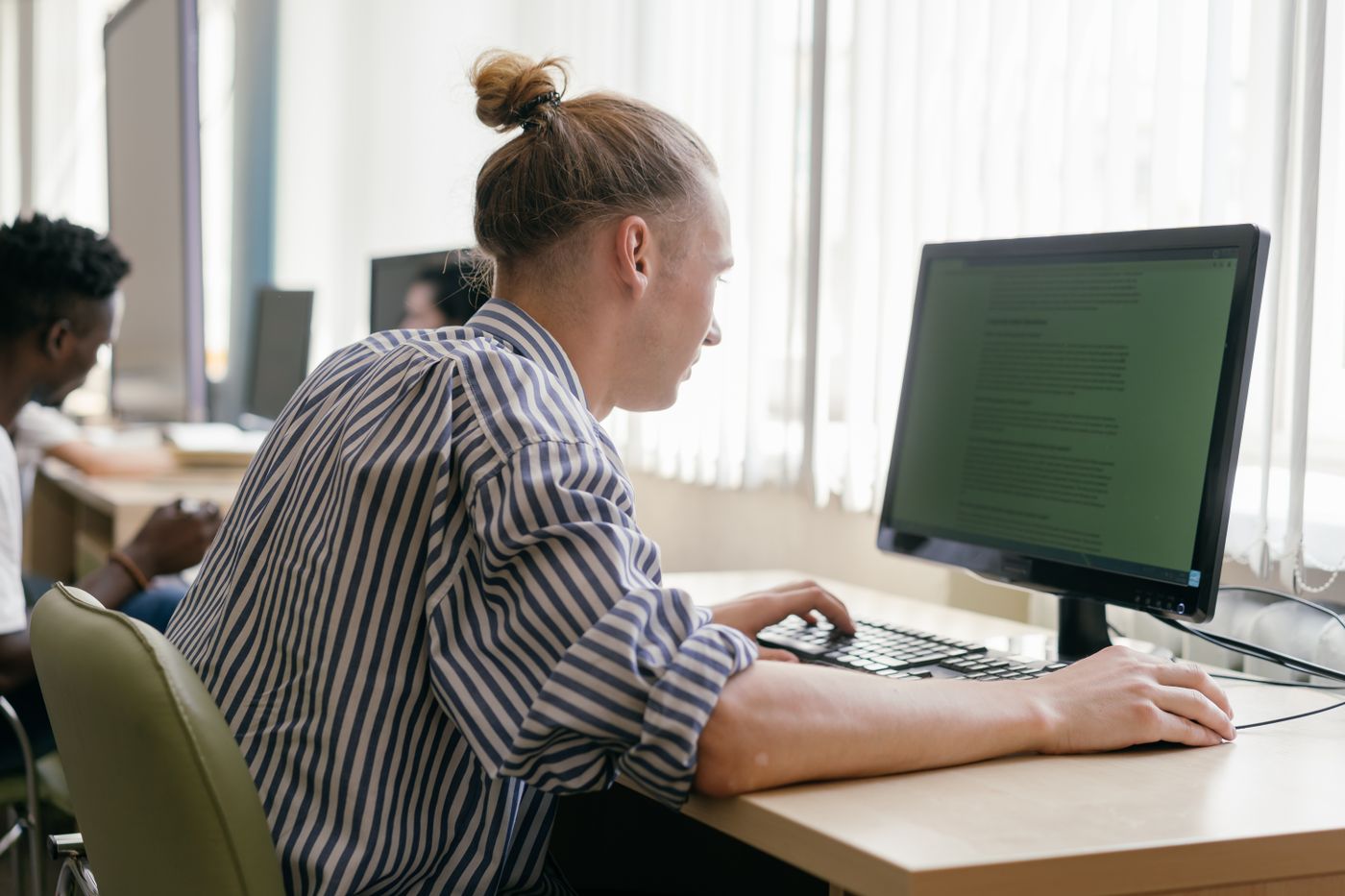
Native 64-bit Windows applications on the PCs the lab already has. The teacher PC is the server, and student names, recordings and work stay on the lab's own network.
Results export to the institution's LMS or as a workbook.
Our servicesSee it in your own lab
Send us the seat count, the PC specification and the network layout. An engineer replies with a lab plan, a headset recommendation and a proposal.